Resource & Insights Hub
Welcome to the NanoPac Resource Hub! Discover customer success stories, find local organizations and state agencies specializing in visual services, learn about eye conditions causing vision loss, access training materials on assistive technology products, and explore other industry resources.Resources & Support
Access state-specific services, educational programs, veteran resources, and funding options to help make assistive technology more accessible.
Customer Success Stories
Real stories from individuals who have transformed their lives with assistive technology, showcasing their challenges, successes, and insights.
News & Updates
Stay informed with the latest in assistive technology, industry news, accessibility advancements, and company updates.
Product Information & Training
Explore product highlights, comparisons, and training resources to help you choose and use assistive technology with confidence.
All Resources & Insights
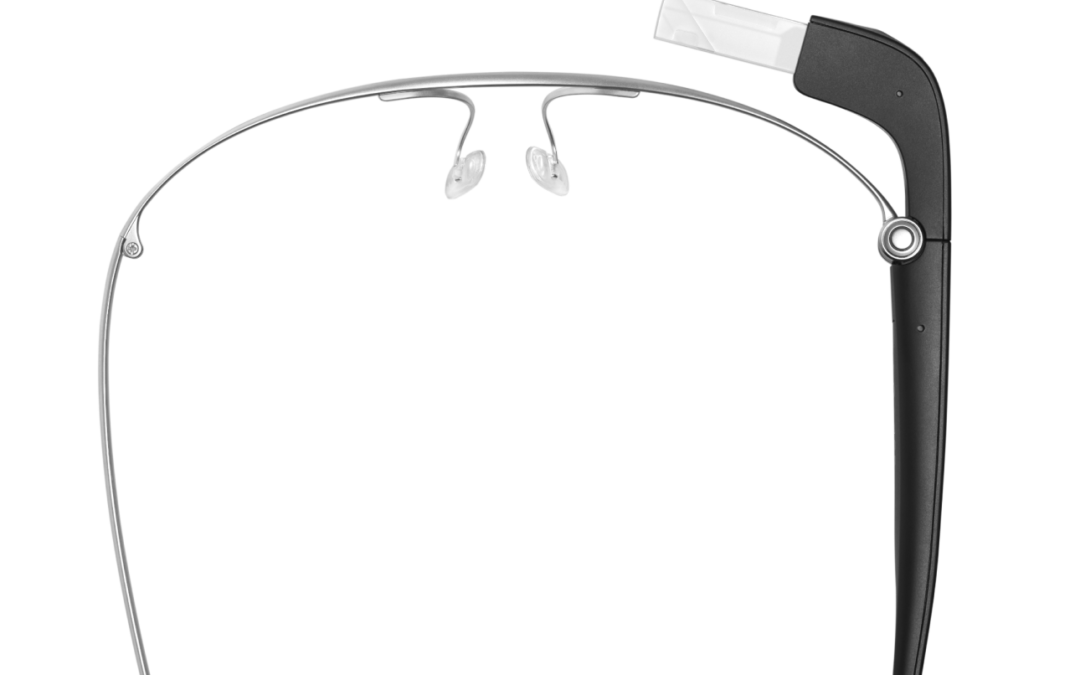
From Daily Frustrations to New Confidence with Envision Glasses
We recently had the chance to catch up with one of our customers, Meretha, at the Oklahoma NFB Annual Convention in Tulsa. About a month ago, she purchased a pair of Envision Glasses from us and was eager to share with Vince how much they’ve already impacted her life for the better.
Customer Spotlight: Fullerton Public Library
In the small rural town of Fullerton, Nebraska, home to around 1,500 residents, the local library plays a vital role in supporting the community. When we spoke with Laurel Marlatt, Director of the Fullerton Public Library, she emphasized her mission to ensure the library meets the needs of everyone, including those with vision loss.

Customer Success Story – Kayla
Learn more about Kayla’s story and how the right tools, training, and determination can keep you focused on what matters most – achieving your goals.
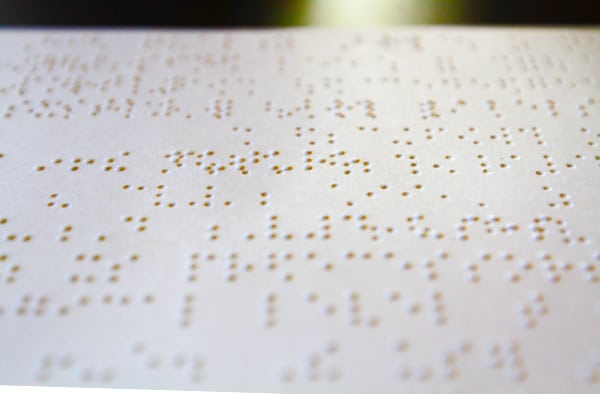
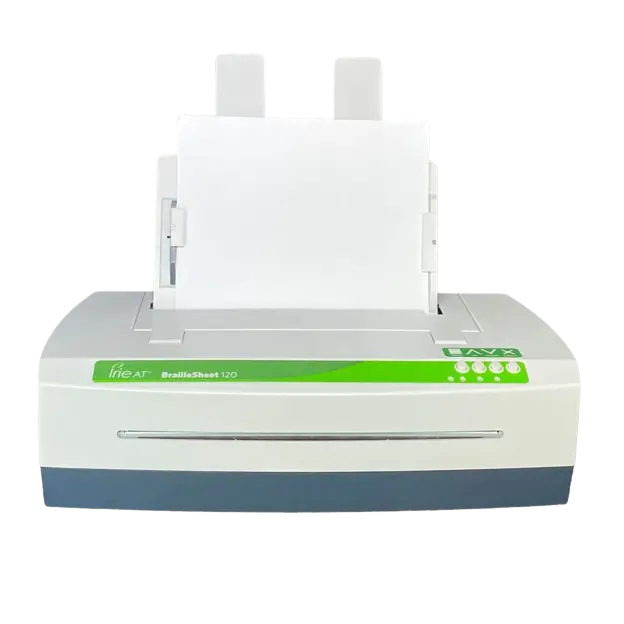
Braille Printer Comparison Chart
Braille Printers NanoPac will be pleased to help you select the best Braille printer for your needs. Braille printers, (Braille Embossers), work best with Braille translation software such as Duxbury. Click on one of the Brailler links below for more information:...
Diabetic Retinopathy
Diabetic Retinopathy: Although diabetes does not necessarily lead to diabetic retinopathy, people with the diabetic retinopathy may experience a condition in which their diabetes causes blood vessels that feed the retina of the eye to break. The resulting damage may...
Glaucoma
Glaucoma: Glaucoma is a serious eye disease caused by a build-up of pressure in the eye that damages the optic nerve which transmits impulses to the brain that create sight. Glaucoma affects side vision causing the edges of the visual field to fade, although glaucoma...
Retinitis Pigmentosa
Retinitis Pigmentosa (RP): Retinitis Pigmentosa is actually a group of inherited diseases that affect the retina of the eye causing a degeneration of photoreceptor cells. These cells are what capture light enabling us to see. When these cells degenerate, patients...
Cataracts
Cataracts: Cataracts are a clouding of the eye's lens that causes blurriness and loss of vision. The word cataract literally means waterfall and when a cataract is severe it's like trying to see through a waterfall. Cataracts occur when the protein that makes up the...
Macular Degeneration
Macular Degeneration or Age-related Macular Degeneration (AMD) Macular degeneration or age related macular degeneration is a degenerative disease of the retina that causes progressive loss of vision in the center of the eye. There are two types of age-related macular...
Colorado Resources
View a full list of Colorado Resources here!