Assistive Technology Products

Explore our wide range of innovate assistive technology solutions. All unique designed and sorted here for each end-user's unique needs, whether that be low vision, blindness, learning and reading assistance, mobility help, and more. Not sure where to start? Let us know using the button below and we would be happy to help.
Contact Us to Find the Best Solution for You.

Low Vision Products

Discover a world of clarity with NanoPac’s curated selection of low-vision products. From standard optical and video magnifiers to advanced scan and read devices powered by artificial intelligence.

Blindness Products

Elevate your experiences with state-of-the-art braille printers, dynamic braille displays, intuitive braille notetakers, and more – enabling you to engage effortlessly with digital or written content.  

Learning, Reading, and Writing Assistance

From dyslexia-friendly e-readers to specialized learning aids – we are proud to provide assistive technology products that empower those with learning and reading disabilities, fostering a supportive environment for education, literacy, and personal development.  

Computer Accessories

Assistive computer accessories can make a huge difference in the ease of use of assistive technology. From large-print keyboards for low-vision users to mobility assistance products. If you need something to simplify everyday computer use – we can help.  

Adjustable Tables

Explore our range of ergonomic adjustable tables that are more than just a piece of furniture but rather a dynamic solution tailored to meet unique needs to enhance comfort and productivity.  

photo of the HIMS QBraille XL 40-cell braille display with perkins style keyboard

QBraille XL

The QBraille XL replaces the need for special keystrokes with the intuitively placed function keys found on all QWERTY keyboards.

front view image of the Acrobat HD Ultra Desktop Magnifier - a black monitor with white text "Acrobat HD Ultra - See near, far, and everything in between" on the screen with the camera on top of the monitor

Acrobat HD Ultra

Acrobat HD Ultra is a complete system featuring a Full 3-in-1 HD camera with a 22”, 24”, or 27” high resolution HD screen.

Photo of the front of the Index Basic V5

Index Basic-D V5

The Basic-D V5 is simply one of the most popular portable embossers in the world. It produces single or double-sided braille on continuous fanfold paper.

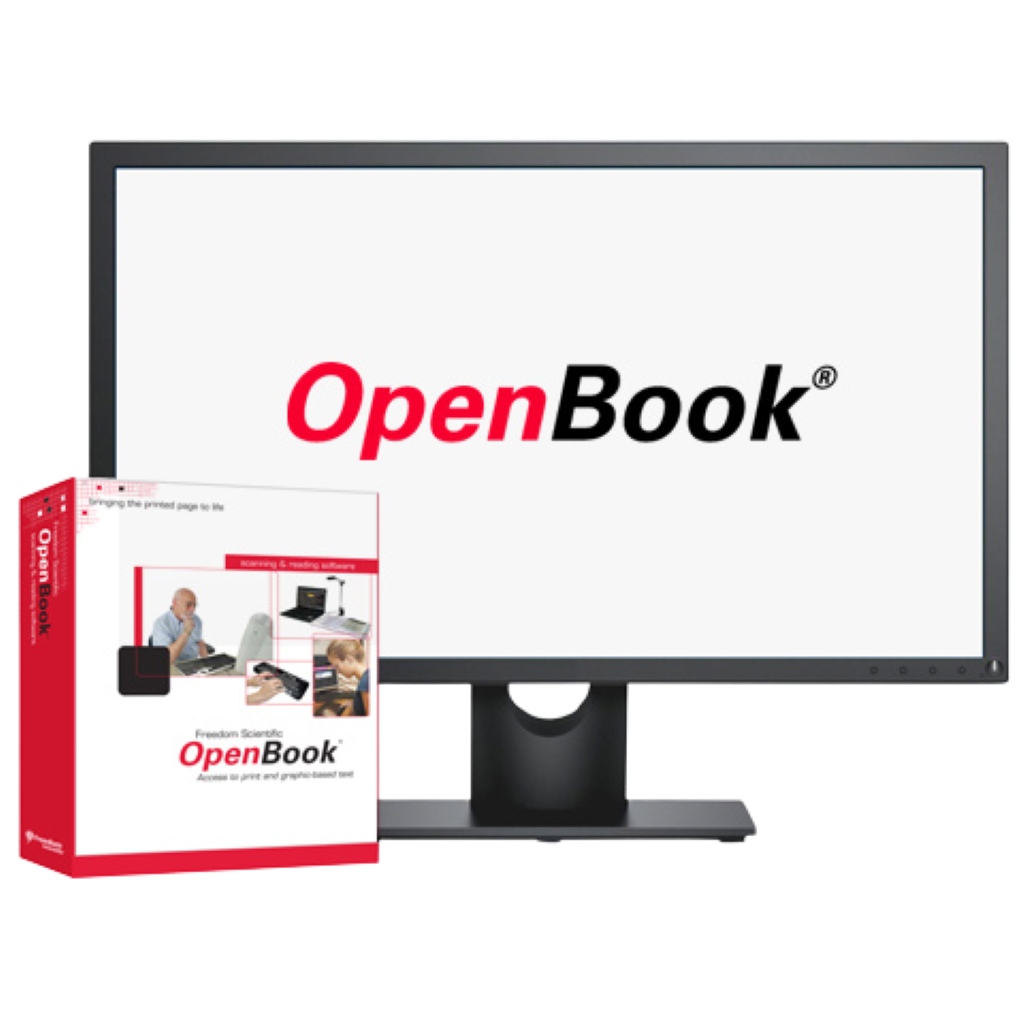
Image of a computer screen with the OpenBook logo on it with the software box sitting to the left of the monitor.

OpenBook

OpenBook scanning and reading system instantly converts printed materials to speech or large print output.

Image of the Amigo 8 displaying the Amigo Logo on the screen

Amigo 8

Introducing: The New Amigo 8! ..... for Low Vision Users. Portable HD Desktop Magnifier On The Go High Definition • Lightweight • Portable Amigo makes undetectable text visible again with the help of Dynamic Contrast, a proprietary feature that enhances the contrast...
humanware explore 8 video magnifier on its stand viewing a magazine underneath

Explorē 8

The explorē 8 is a touchscreen portable magnifier that is ideal for anyone with vision loss who needs an electronic reading aid for magnifying documents.

Photo of the a computer with the ZoomText Logo on the screen with the product box for the ZoomText software sitting on the left-hand side of the computer screen.

ZoomText

ZoomText Magnifier/Reader is a fully integrated magnification and reading program tailored for low-vision users. Magnifier/Reader enlarges and enhances everything on your computer screen, echoes your typing and essential program activity, and automatically reads documents, web pages, and emails.

Dolphin ScreenReader Logo

Dolphin ScreenReader

Dolphin ScreenReader is a fast, reliable screen reading software for people who are blind or visually impaired.

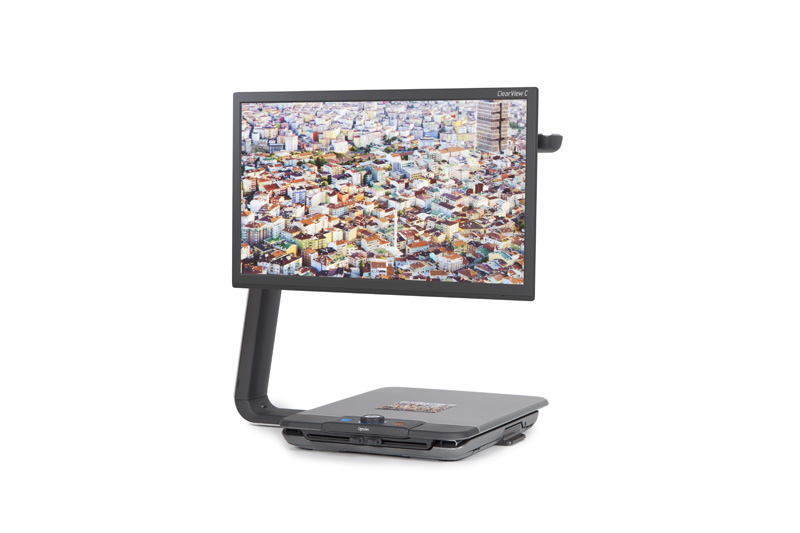
clearview Magnifier

ClearView C HD One

Overview The new Optelec ClearView C One is a modern desktop video magnifier that is designed to improve your reading experience. C-ing without limitations When we started to develop this desktop video magnifier, we wanted to eliminate all of the difficulties users...
Image of the MagniLink TAB scanning a document to the right of the device.

MagniLink TAB 2 with Surface Pro 8

This tablet solution based on a Microsoft Surface Pro with 12.3” screen gives the user a complete mobile solution. The unit is perfect for any smaller task, as well as for long term reading. Use it as a video magnifier with built in OCR, or as a complete computer with access to everything – gives endless possibilities!